GitHub business card generator
Type your GitHub username and get a business card made from your profile: your languages as colors, your contribution graph, a QR code to your profile. Free print PDF, no sign-up.
Free, no sign-up. Only your public GitHub profile is read; nothing else is sent or kept.
Card size
Need cards for your company? A Brand Kit reads your company's website the same way and makes business cards for the whole team, plus a letterhead, a brand guide and email signatures. Make a Brand Kit
How to make a business card from your GitHub
Under a minute, from your username to a file a printer takes.
- Type your GitHub username, or paste the link to your profile, and press Make my card.
- The tool reads your public profile and draws the front and the back. The first design uses your contribution graph.
- Press Next design to see the others. There are up to six, including a terminal window with your profile typed out as commands.
- Download the print PDF and send it to any printer, or the PNGs to share or print yourself.
What goes on the card
Everything comes from your public GitHub profile.
| On the card | From your profile |
|---|---|
| Name and avatar | Your profile name (or username) and your avatar, cut round |
| @username and languages | Your username and the three languages your own repositories use most |
| Colors | The GitHub colors of your two most used languages |
| Website | The website on your profile, and your public email if you show one |
| Artwork | Your contribution graph for the last year, or a pattern in your colors |
| QR code | Opens github.com/your-username |
| Bio line | Your bio, or your contributions count when you have no bio |
The contribution graph is the one on your profile page: one square per day for the last year, darker on busier days. Private work only shows if you have turned on private contributions in your profile settings (GitHub Docs).
Printing your GitHub business card
The PDF is ready for a print shop as it is.
The PDF has two pages, front then back, each at the card’s real size with 3 mm of bleed on every side and the trim box set. Upload it as a double sided business card and the printer cuts it to size. Choose the US size (3.5 by 2 inches) or the European one (85 by 55 mm) before you download.
The business card size guide lists the sizes used around the world and how bleed and safe margins work.
Cards for a whole team
The same engine, for a company.
This card is drawn by the engine behind esigna’s Brand Kit. A Brand Kit reads a company’s website instead of a GitHub profile, takes its logo, colors and fonts, and makes business cards for everyone on the team, with a letterhead, a brand guide, social media headers and email signatures in the same look. See what a Brand Kit makes.
The whole signature
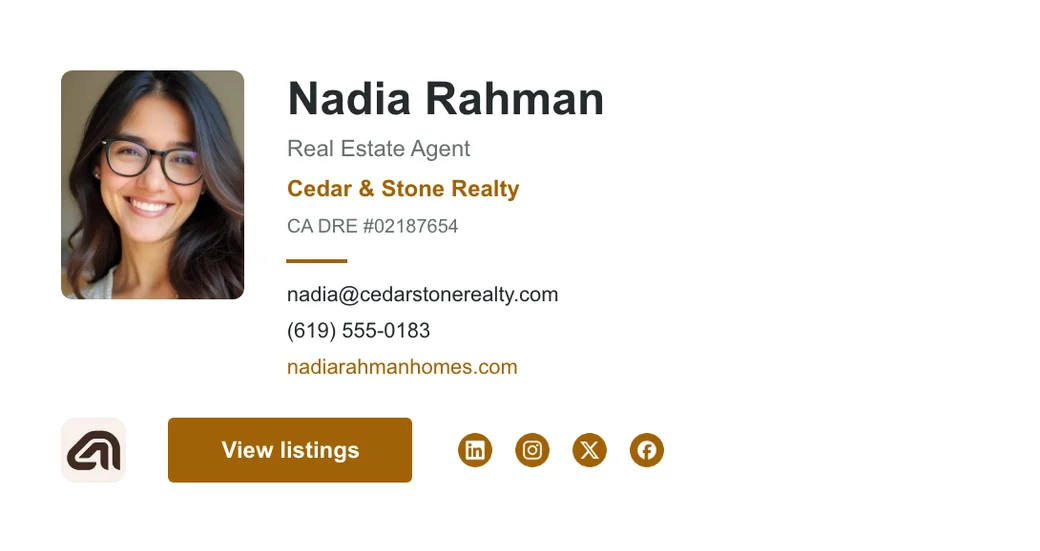
Put the same look in your email signature
Make an email signature in esigna's free Editor with your name, your GitHub and your site, in a design that holds up in Gmail, Outlook and Apple Mail. No account needed.
FAQ
Questions
What does the tool read from GitHub?
Only what your public profile already shows anyone: your name, username, bio, website and avatar, the languages of your own public repositories (forks left out), and the contribution graph on your profile page. It never asks you to sign in to GitHub and can't see private repositories.
Why is my contribution graph different from GitHub's?
It's the same year of days, drawn in your card's colors instead of GitHub's green, and repeated down the card so it fills the back. Private contributions only count if you have turned on Private contributions in your GitHub profile settings, as GitHub's docs describe.
How are the colors chosen?
From the languages your own repositories are written in. The most used one sets the card's main color and the next one its second, using the colors GitHub gives each language. A TypeScript developer gets blue, a Ruby developer gets a deep red.
Can I print it?
Yes. The PDF has the front and back on two pages at the card's real size, with 3 mm of bleed around each and the trim box set, which is what most printers ask for. The PNGs are 300 dpi if your printer wants images instead.
Can I change the words on the card?
The card says what your GitHub profile says. To change your name, bio or website on it, change them on GitHub and make the card again an hour later. To write your own words, with a job title, phone and company logo, make a Brand Kit instead.
Is it free?
Yes. The designs, the print PDF and the PNGs are free, with no account and no watermark. esigna sells Brand Kits for companies: the same engine, reading a company's website to make business cards, a letterhead, a brand guide and email signatures for a whole team.
Sources
The facts on this page about email apps come from these pages, read on November 6, 2026.