01 · Real estate
Hearth & Key Realty
Open this Kit
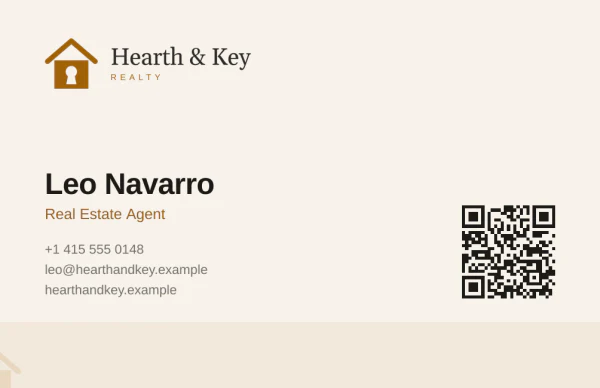
Leo Navarro
Real Estate Agent, Hearth & Key Realty
Homes for sale across San Mateo County
- Phone
- +1 415 555 0148
- Website
- hearthandkey.example
 Made with esigna
The page
Brand Kit · Digital business card
A digital business card is a web page people open from a link or a QR code to save your contact details to their phone. The Brand Kit draws yours in your logo, colors and type, beside your printed card, with Save contact, your links and a reply form.
No app to install, for you or for the people you meet. Share it from your bio or your email signature, show its code on your phone, or print the code on your business card.

Partner, Castellano & Okafor LLP
Employment and business law in Boston
 Made with esigna
The page its code opens · Try it, it works
Partner, Castellano & Okafor LLP
Employment and business law in Boston
Made with esignaWhat people see
This phone runs a real page, made from a sample Kit. Turn the card over, or save the contact.
The business card the Brand Kit drew for you, at the top. A tap turns it over.
Your name, title, company, phone, email, website and photo, saved to their contacts in one tap.
Each line opens what it should: the phone, messages, mail or your website.
LinkedIn, Instagram and the rest, each by its handle.
A button to your Calendly or Cal.com page, if you have one.
A short form for the people you meet. You get an email and a list you can export.
Examples
Each comes from a sample Kit, in its own colors and type, with the printed card it matches. Save contact gives you a real contact file.
01 · Real estate
Real Estate Agent, Hearth & Key Realty
Homes for sale across San Mateo County
Made with esignaThe page
02 · Law firm
Partner, Castellano & Okafor LLP
Employment and business law in Boston
Made with esignaThe page
03 · Family practice

Family Physician, Bayview Family Health
Family medicine for every age in Bayview
Made with esignaThe page
For you
Your card keeps working after you hand it out, and it tells you so.
Update your details or your look and press Update. The link and every printed code stay the same.
esigna.app/c/your-name. If you change it, the old one keeps opening your card, and no one else can take it.
Everyone who sends their details is kept in your Brand Kit, to save, call, write to or export as a spreadsheet.
Opens, scans of your printed card and saves, so you know your card is doing its job.
Pick the page's colors around your card, and which of your details it shows.
The link fits an Instagram bio, a LinkedIn profile, your email signature or a text message.
In the Brand Kit
The Brand Kit reads your website and draws your digital business card with your email signature, covers, printed card and brand guide, so every piece matches.
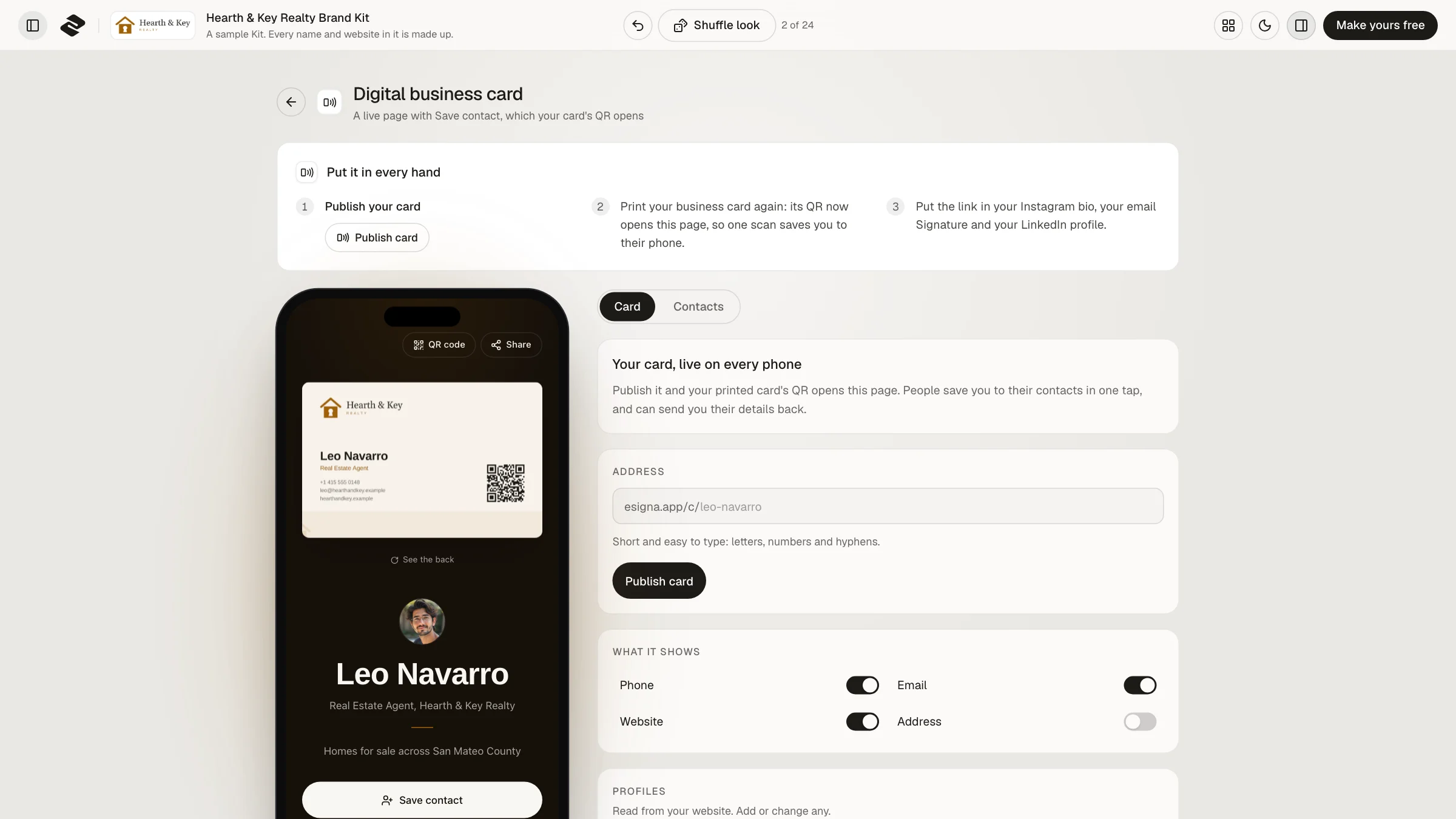
Shuffle looks until one feels right; the card page, the printed card and the covers change together.
Publish the card and the QR code on your printed card opens it. Paper in their hand, you in their phone.
The Brand Kit plan is one payment, not a monthly subscription.
Ways to share your details
Plainly
Make one
About five minutes, most of it choosing a look.
Type your website, or start from one of your saved email signatures. The Kit reads your logo, colors and type.
Your name, job, phone and email, then your profiles and a booking link if you have one.
Pick your address and press Publish. Publishing comes with the Brand Kit plan, paid once.
Making a Kit and seeing your card page is free. The Brand Kit plan, paid once, publishes it and downloads every piece.
Make your Brand Kit freeQuestions
A web page with your contact details that people open from a link or a QR code and save to their phone in one tap. Unlike a paper card, you can change it after you share it.
Designing it is free: make your Brand Kit and see your card page on a phone. Publishing it at its own address comes with the Brand Kit plan, one payment and no subscription.
No. It opens in the browser on any phone, and Save contact works without an account or an app.
Send its link, put it in your bio or your email signature, show its QR code from your phone, or print the code on your business card.
Yes. Save contact gives each phone a contact file it adds whole, photo included.
Yes. Change your details or your look and press Update. The link, and every QR code you printed, opens the new version.
No. Your card page is kept out of search engines, since it carries your phone and email. People reach it from your link or your QR code.
Each Brand Kit publishes one card, so a team makes one Kit per person. Kits for the same company count as one brand on the Brand Kit plan.
Brand Kit
Make your Kit free and see your digital business card in about a minute.